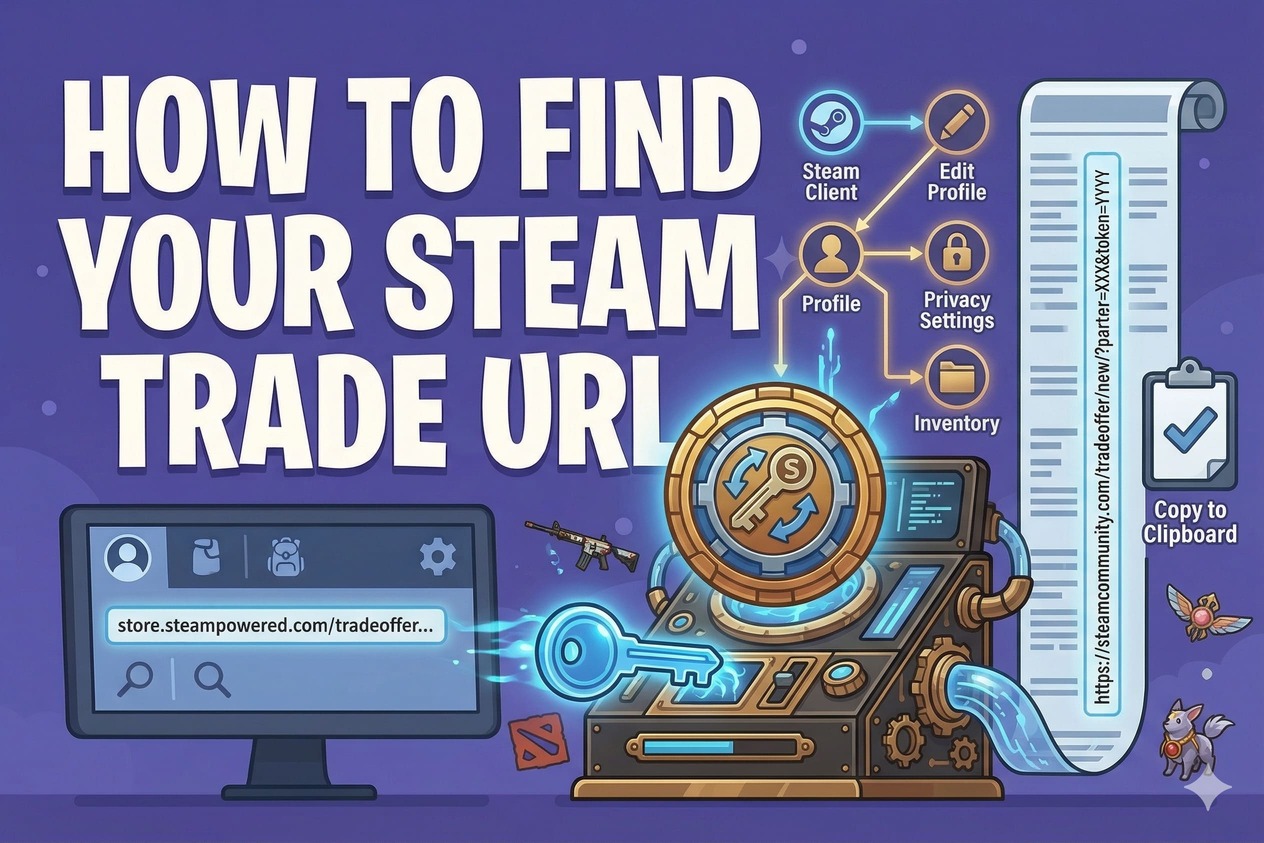
To find your Steam Trade URL:
1) Log in to Steam
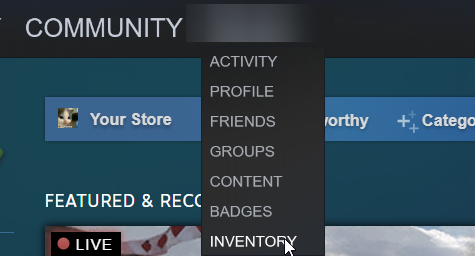
2) Open your Inventory
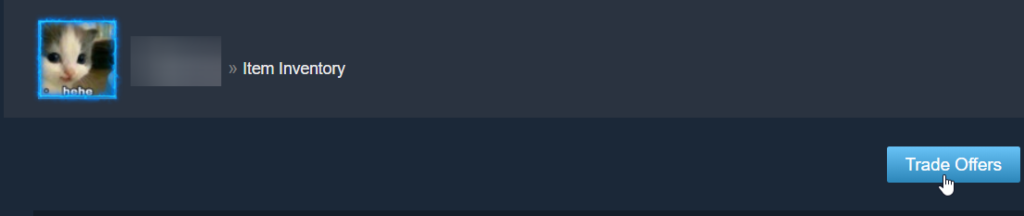
3) Click “Trade Offers”
4) Click “Who can send me Trade Offers?”
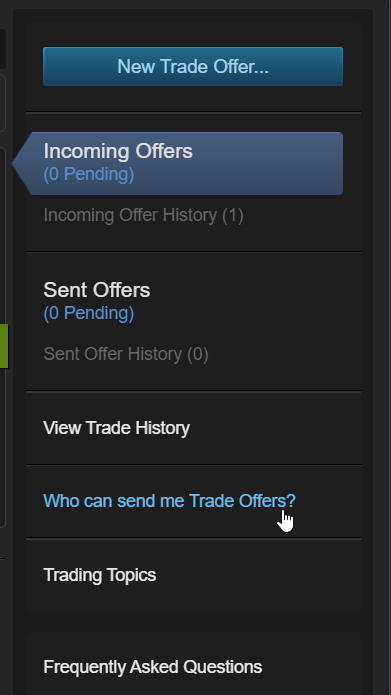
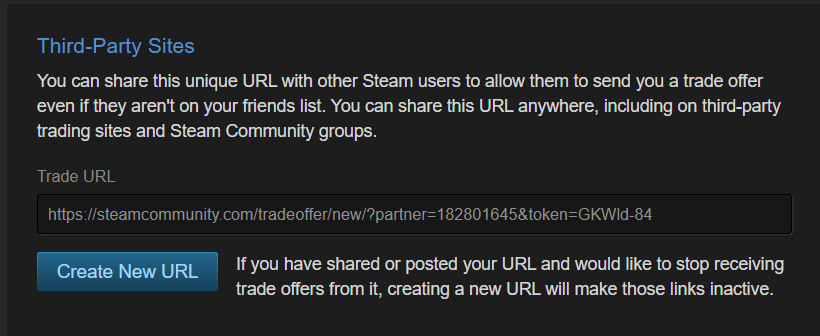
5) Copy your Trade URL from the “Third-Party Sites” section.
Make sure your Inventory Privacy is set to Public, otherwise you will not be able to trade with PlayerBay sellers.
