Having an issue with an account you have purchased? Here’s how to get it resolved effectively:
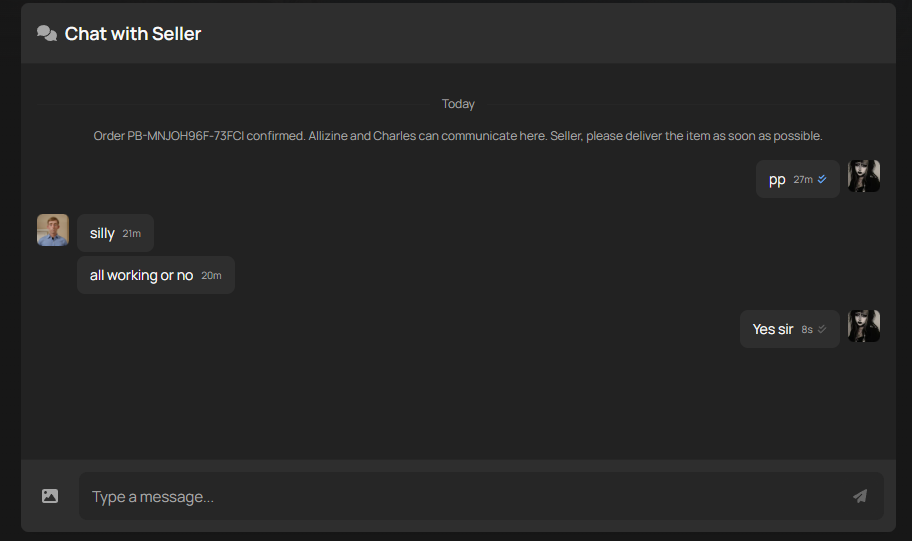
Step 1: Contact the seller directly through your order page.
If the account details have already been revealed, the seller will have up to 12 hours to respond, taking into account possible time zone differences.
Step 2: Raise a Dispute If Needed:
A dispute can be raised if there’s an issue that hasn’t been resolved through direct communication with the seller within 5 – 14 days (all accounts come with a 5-14 day Protection period for buyers. During this time, if the account stops working, gets banned, or is recovered, the sale will be canceled, and a refund will be issued)
For more information regarding the dispute process click here
PlayerBay is open to sellers in most countries worldwide. However, under current platform policies we are unable to onboard sellers from the following countries.
Afghanistan
Belarus
Cuba
Iran
Myanmar
North Korea
Russia
South Sudan
Ukranian Territories of:
Donetsk
Luhansk
Crimea
Sevastopol
If your country is not on the list, you are eligible to sell on PlayerBay.
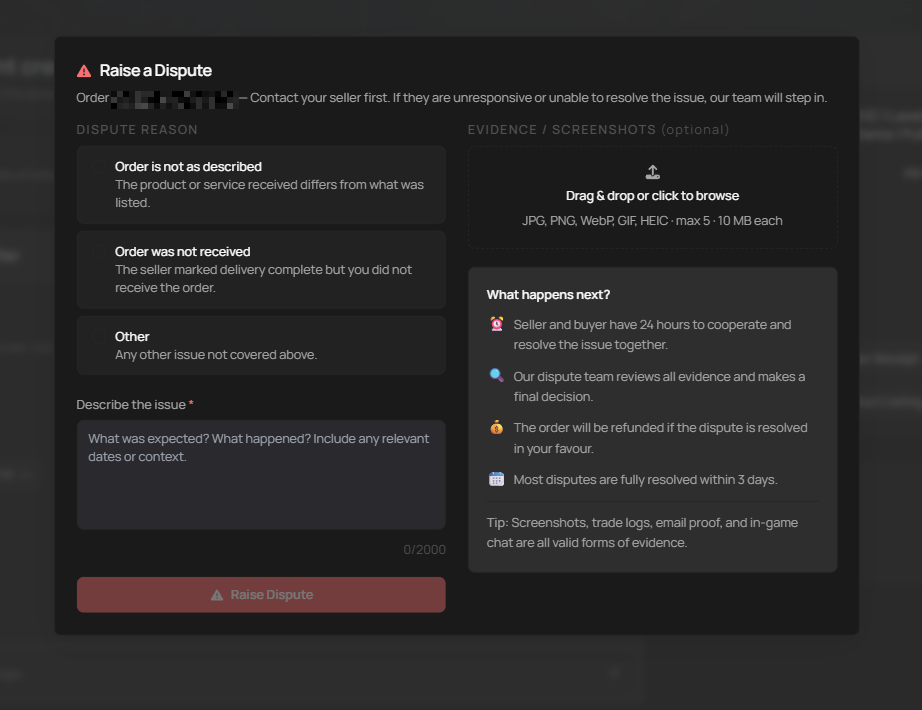
Your first point of contact should always be with the seller. Most sellers want to keep their buyers happy and are willing to resolve issues quickly. Only raise a dispute if you’ve already reached out to the seller and haven’t been able to resolve the issue, or if the seller is unresponsive or uncooperative and the delivery window has passed.
When Can You Raise a Dispute?
A Dispute can be raised when there’s an issue with your order that hasn’t been resolved between you and the seller, and the delivery period is over.
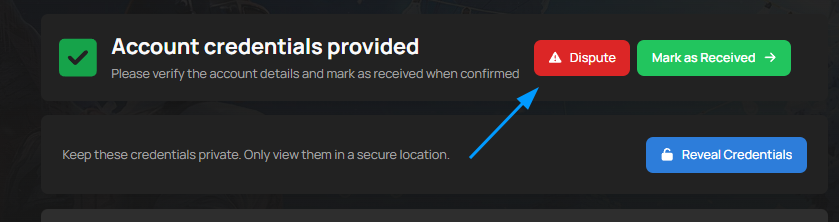
The “Dispute” button will only appear when your order status is “Delivered.” if your order status shows “Completed” or “Delivered.”, the option is no longer available.
If you run into a problem after an order is already completed, you can contact our 24/7 customer support team and we’ll help from there.
Disputes are typically raised for one of the following reasons:
The Seller is unresponsive
The product received does not match what was described in the listing.
The order wasn’t delivered within the delivery window.
The account you purchased has incorrect or non-functioning login details.
What Happens After You Raise a Dispute
Once a dispute is raised, both the buyer and seller have 24 hours to cooperate and resolve the issue together, after that window, our Dispute Team reviews everything fairly and makes the final decision. If the dispute is resolved i your favor, you’ll receive a refund. Most disputes are fully resolved within 3 days.
Category-Specific Timelines:
For accounts, the seller has 12 hours to respond. If the seller doesn’t take action within the guarantee period specified in the order, the dispute may be closed in the buyer’s favor with a full refund. If the seller resolves the issue in time, the dispute is closed in the sellers favor.
For Currency, top-ups, and item orders, the seller has 2 hours to provide proof of delivery. If the seller fails to provide the necessary evidence within that window and no solution has been offered to the buyer, the order may be fully refunded.
How to Provide Evidence
Within minutes of a dispute being raised, our Dispute Team begins reviewing your order chat. Both buyer and seller cooperation is critical, you’ll both need to provide all available evidence of any issue. This includes: Screenshots, proof of the account not working or any ban / suspension, in-game chat logs, or any other relevant information.
Our Dispute Team reviews the following when making a decision: The seller’s product description and title, screenshots of emails providing login credentials were changed, evidence that the account doesn’t match what was described, and trade screenshots, videos, or any other proof that the order was or wasn’t delivered to the buyer.
Tips for Sellers handling a dispute.
Communicate with the buyer and try to understand the issue. Upload any proof from your side that could help solve the situation. Respond within 12 hours. If possible, offer a replacement or issue a refund to resolve things quickly. If you can’t reach a resolution, provide your evidence and let the Dispute Team make the final call.
How Dispute Are Resolved.
A dispute is resolved in either the favor of the buyer or the seller. if the buyer wins, the order is cancelled and the money is refunded to the buyer. If the seller wins, the order is marked as completed.
Only a small percentage of all orders on our platform result in disputes, but if it happens to you, Know that you are protected and the dispute will be handled as quickly as possible.
Don’t worry, you can sill make purchases and receive payouts even if your local currency is displayed on Playerbay. Here’s how it works:
Purchases: Your payment will automatically convert from your local currency to one of our accepted currencies. The conversion is handled by your bank or payment provider at the time of the transaction.
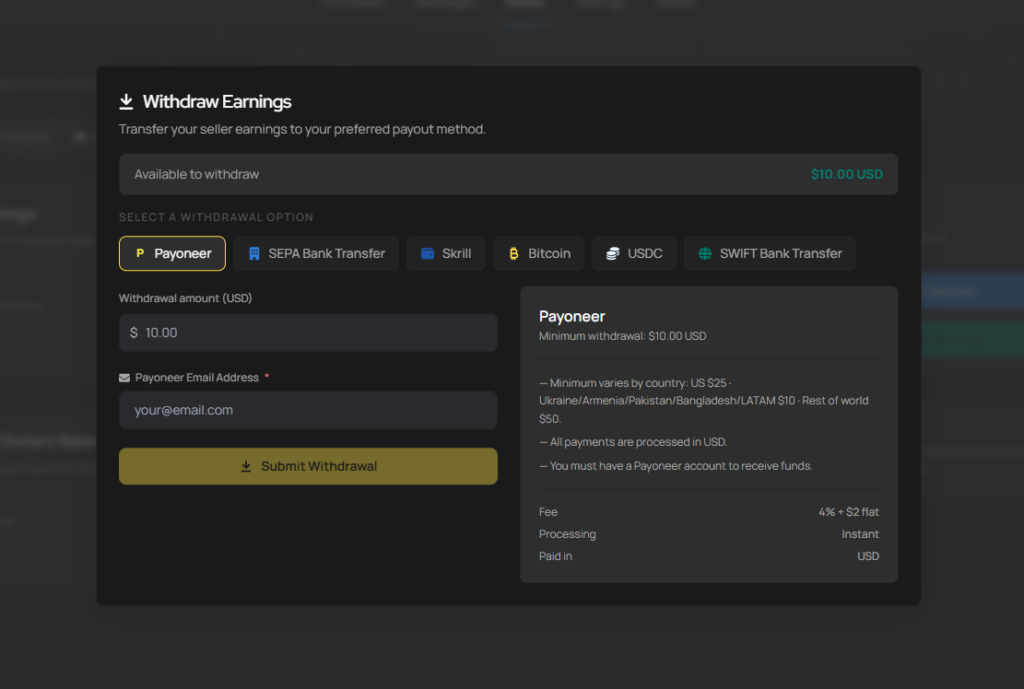
Withdrawals: When you withdraw funds, they’ll convert to your account’s currency based on the exchange rate set by the payment provider.
Tips for Smooth Transactions: Use an international card or a digital wallet for seamless currency handling. Check your bank’s exchange rates and any conversion fees ahead of time so there are no surprises, and review the conversion rates before completing your purchase.
Why We Don’t List Every Currency: Supporting every possible currency would add significant complexity and cost. Instead, we rely on trusted payment providers to handle conversions securely on your behalf.
If you run into any issues, reach out to our support team and we’ll help you sort it out.
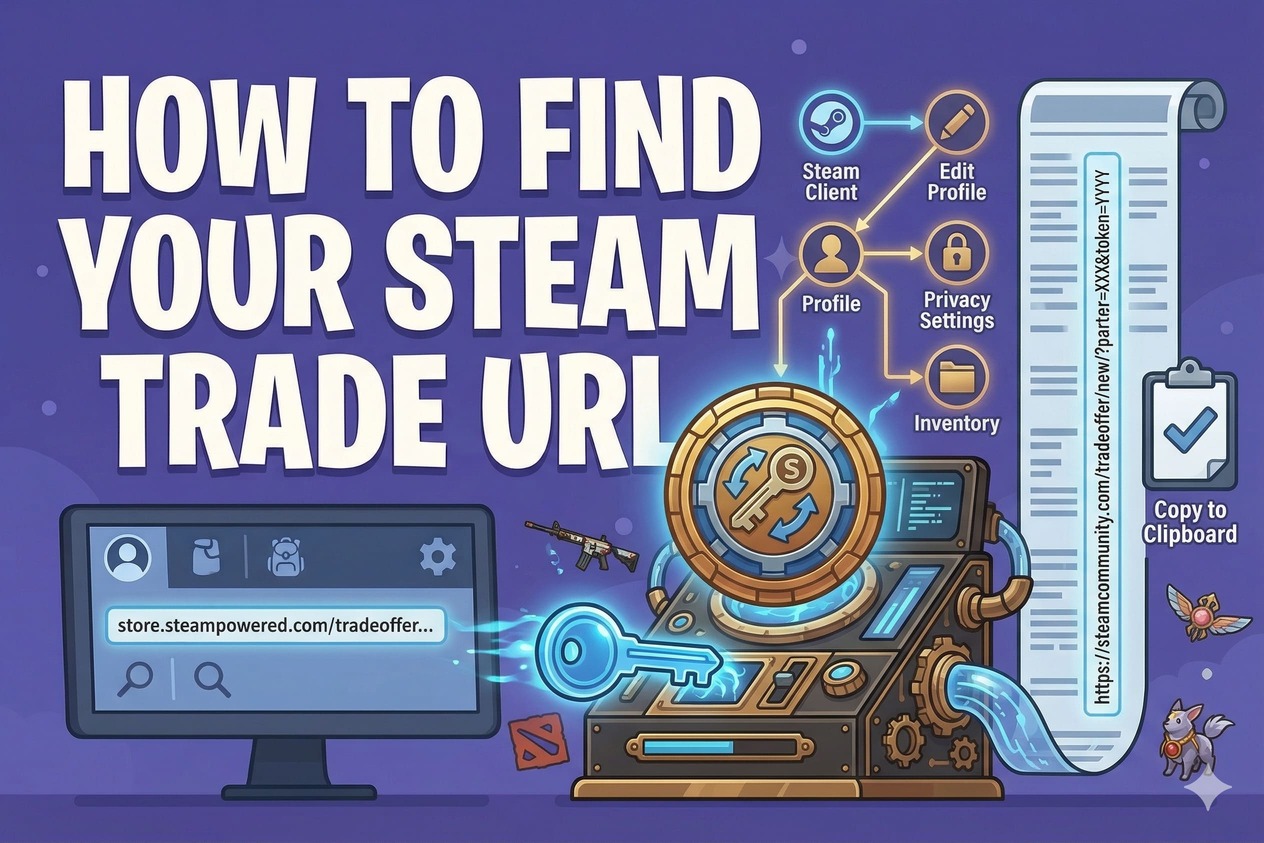
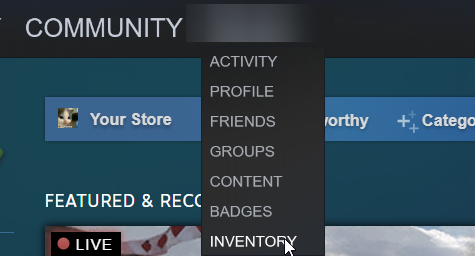
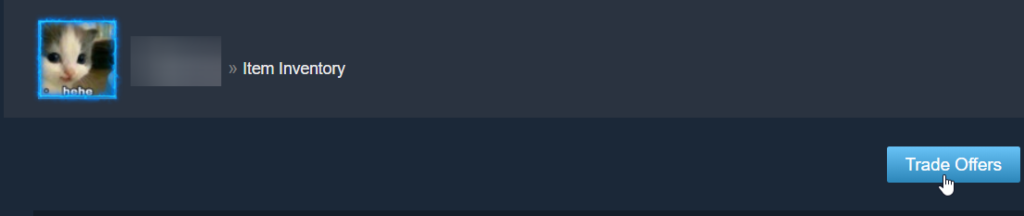
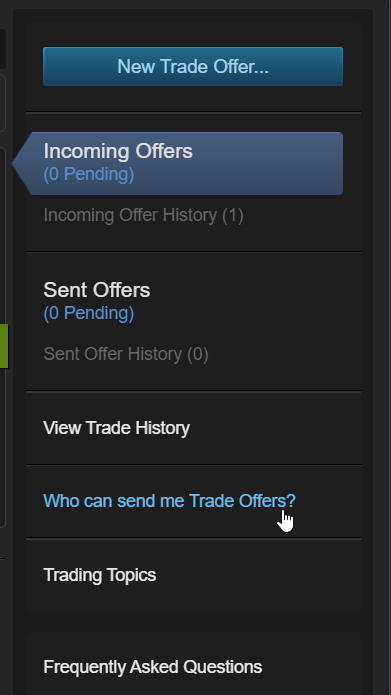
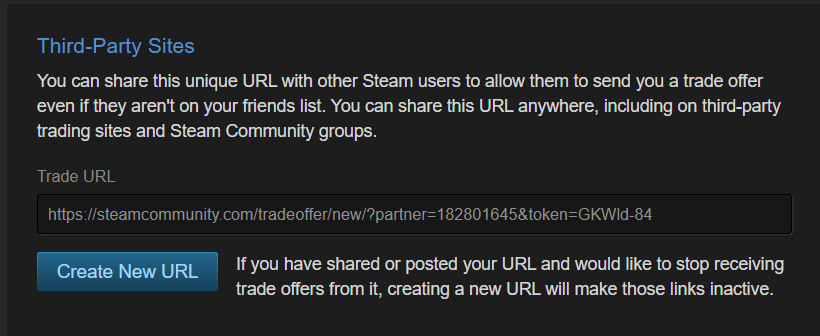
5) Copy your Trade URL from the “Third-Party Sites” section.
Make sure your Inventory Privacy is set to Public, otherwise you will not be able to trade with PlayerBay sellers.
We use cookies to ensure that we give you the best experience on our website. If you continue to use this site we will assume that you are happy with it.Accept