Follow these steps to enable 2FA on your Playerbay Account:
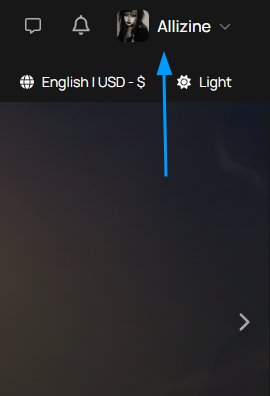
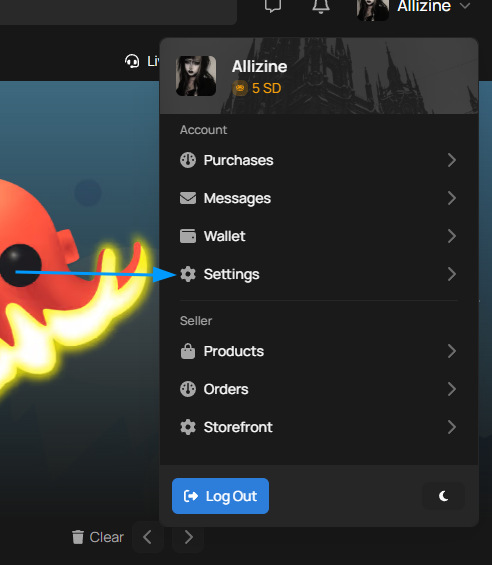
Step 1. Navigate to your settings page.
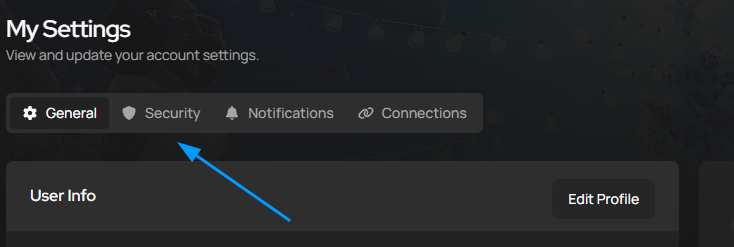
Here you will see a few options at the top, select security
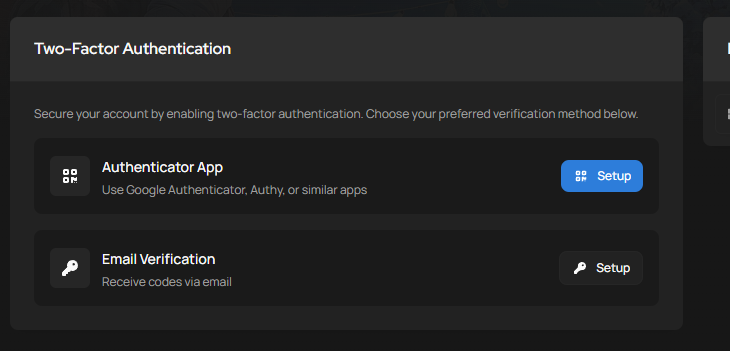
The two-factor Authentication options are presented before you on the Security page.
Lost Access to you 2FA?
If you’ve lost access to you two-factor auth device or app, you’ll have to reset it. Contact our live support team and we will walk you through it.
Identity Verification:
For You security, we will need to verify your identity before making any changes to your 2FA. You’ll be asked to provide a selfie of yourself holding a valid ID document and a piece of paper clearly showing today’s date. This ensures your account stays in the right hands.